Motorcycle action cameras can record a daily journey, capture a touring route or provide footage for a riding video. Choose the recording style first, then consider mounting, battery life, sound and how you will edit or save the files. Resolution is one part of a camera setup that needs to work on the bike.


Find a recording style that suits your rides
Conventional action cameras
These record the view you frame with the lens. Compare field of view, stabilisation options and controls, and make a short test recording before a longer ride. A well-positioned camera is more useful than a higher resolution pointed at the wrong part of the scene.
360-degree cameras
360 recording offers scope to choose the viewing angle afterwards in compatible editing software. Insta360's motorcycle guidance illustrates reframing footage into a conventional video. Factor in that editing step and the position of the camera's stitch line when planning a shot.
Loop recording for regular journeys
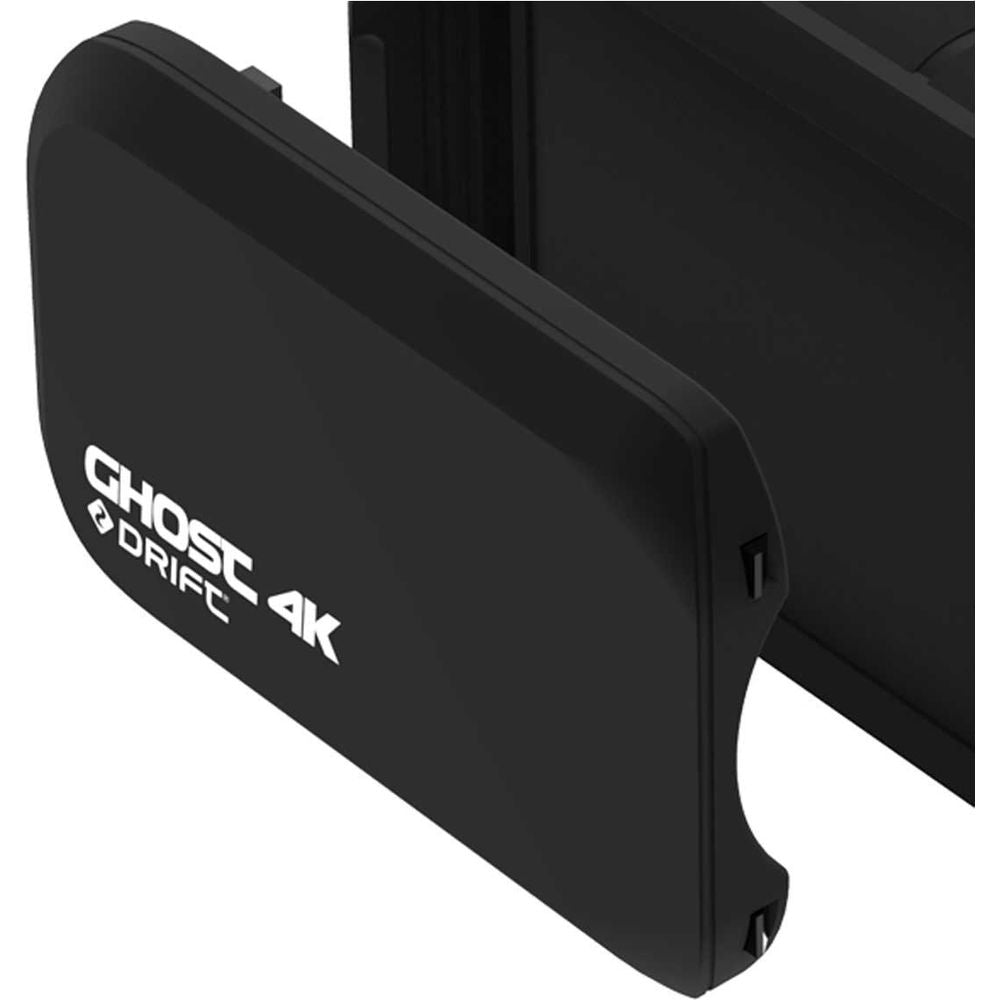
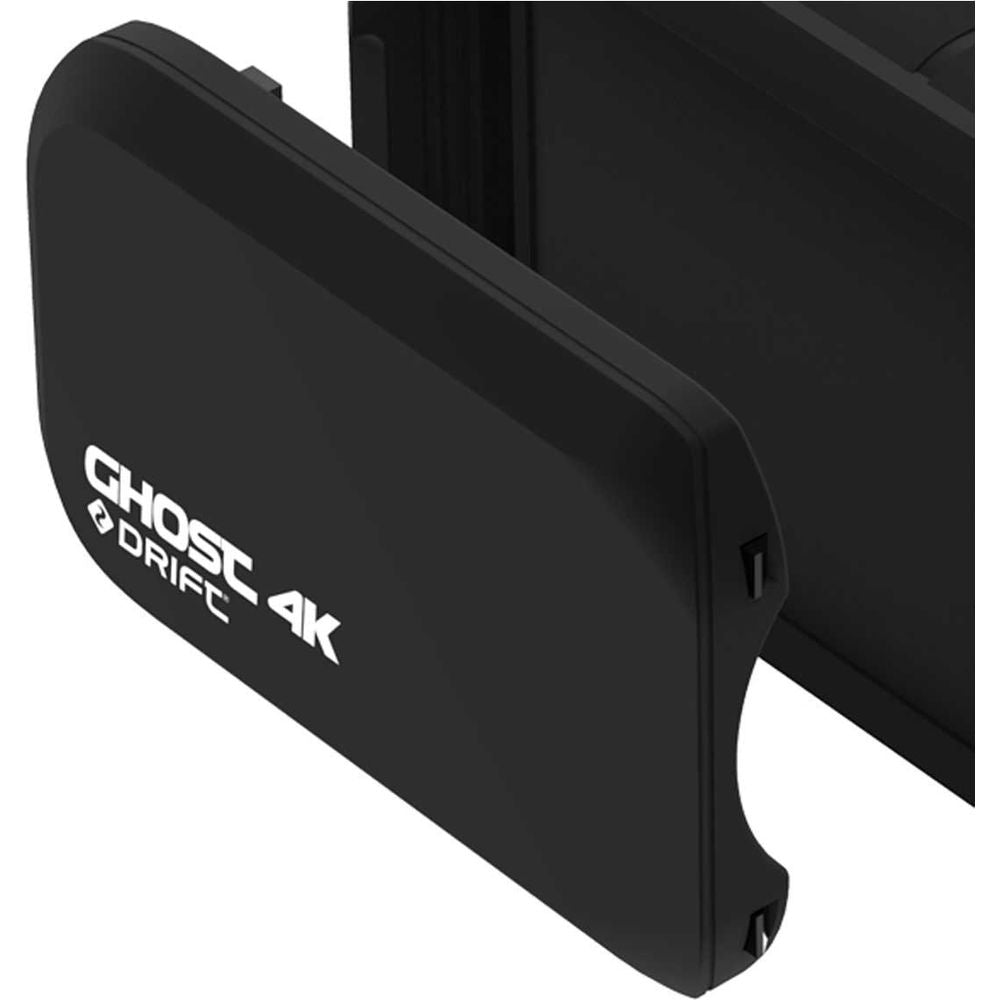
Loop modes manage recording in repeating segments and can overwrite older footage. Drift's Ghost XL Pro offers a dedicated dash-camera mode. Learn how the chosen camera retains important clips and copy files you want to keep before they are overwritten.
Commentary and external sound
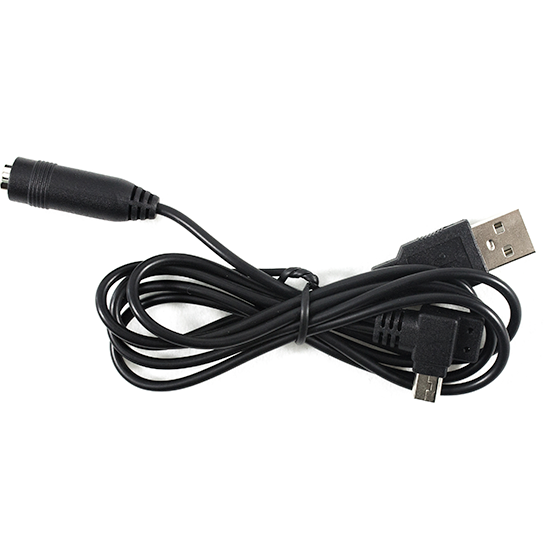
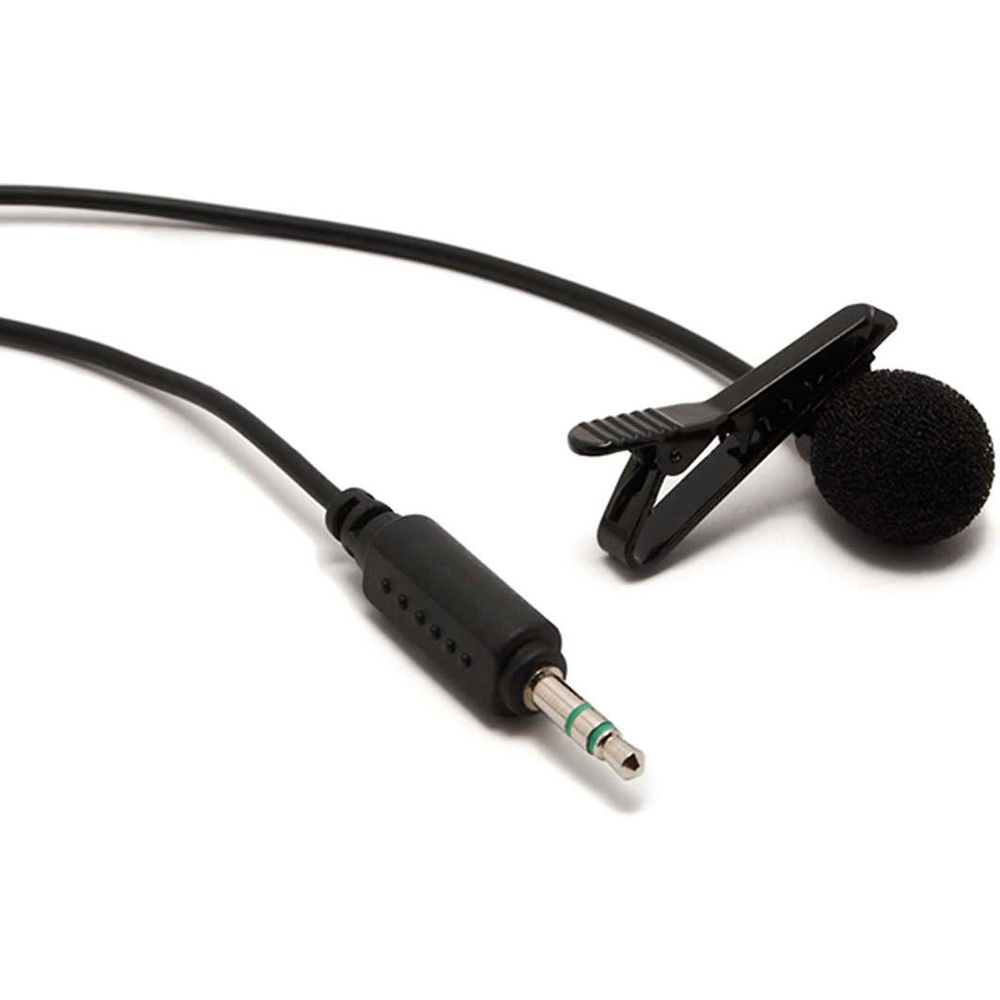
A built-in microphone and an external audio input offer different recording options. Check the exact microphone, cable and adaptor supported by the camera. Drift provides a specific sealed audio adaptor for Ghost XL and XL Pro; a matching-looking plug alone does not confirm compatibility.
Plan the mount before choosing the bundle
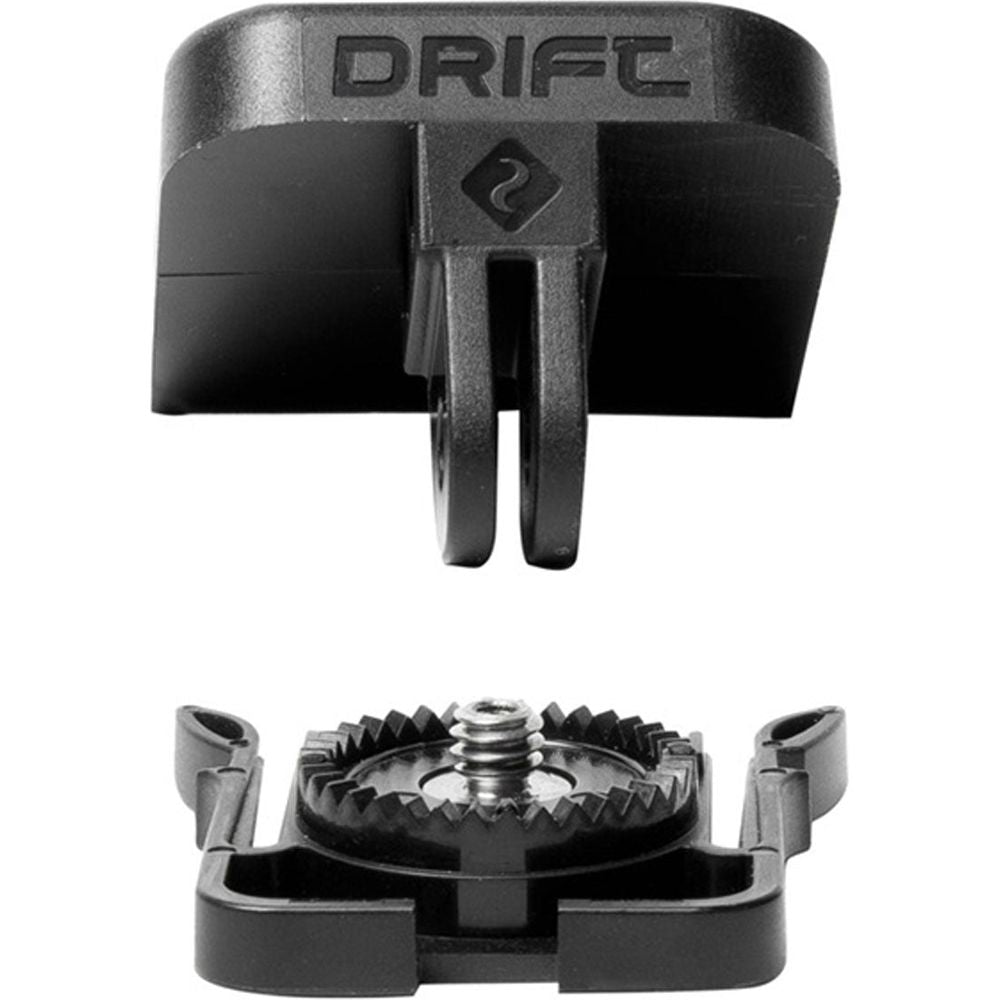
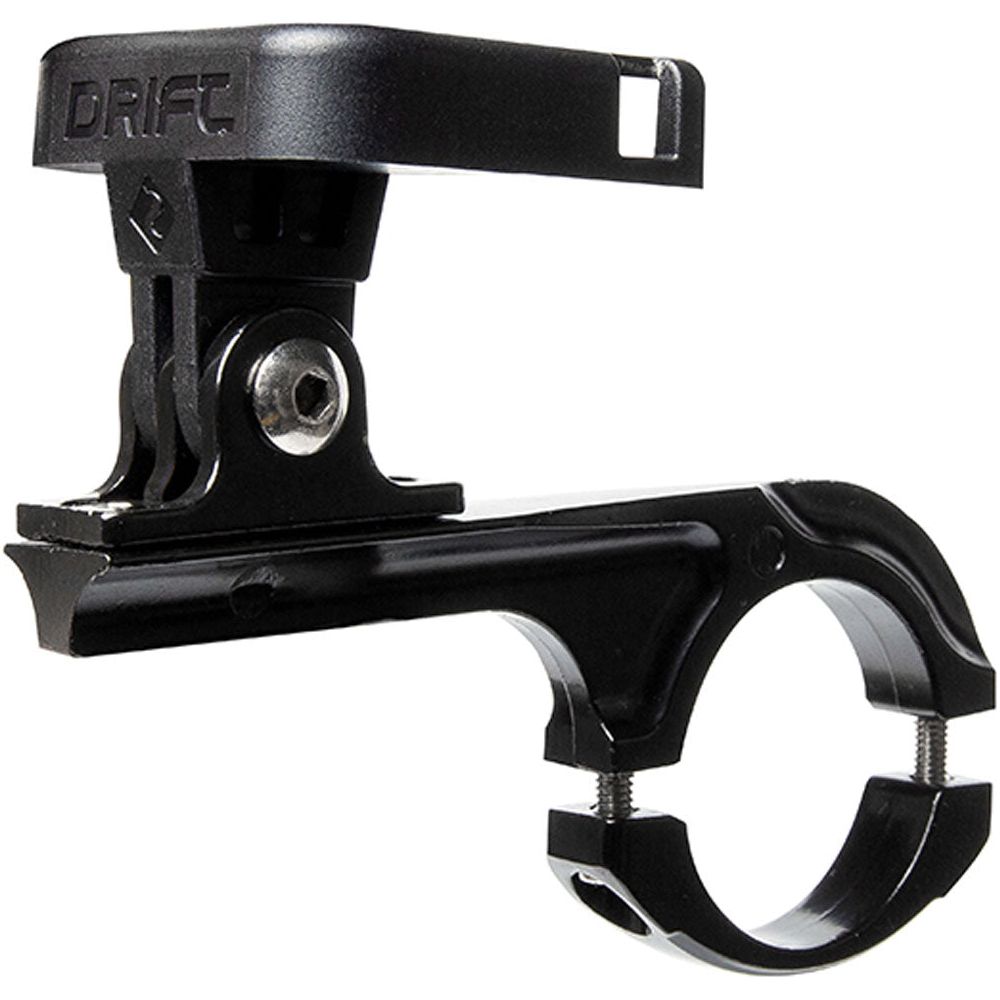
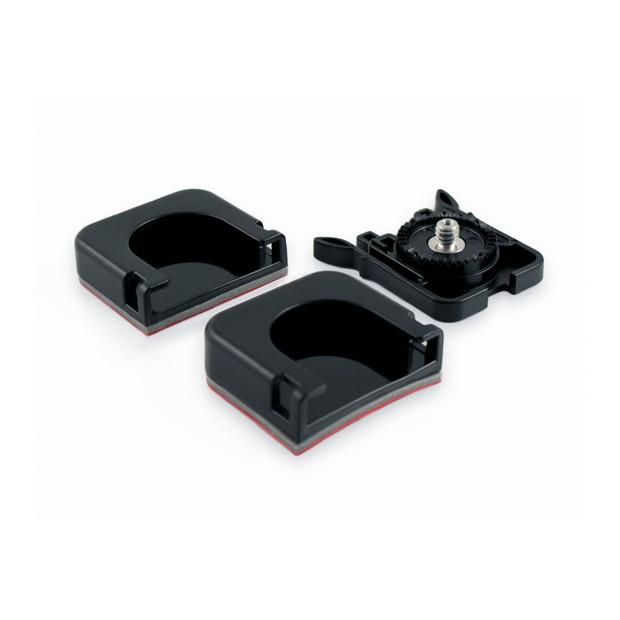
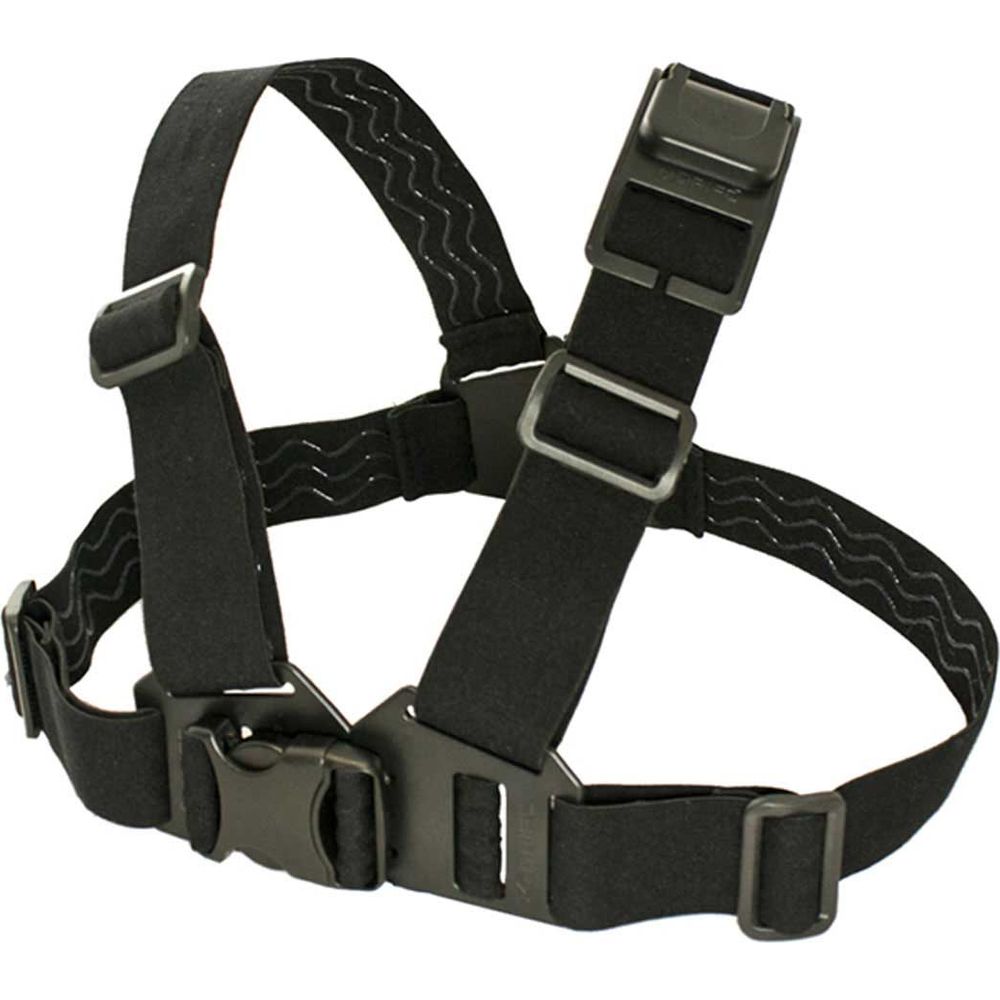
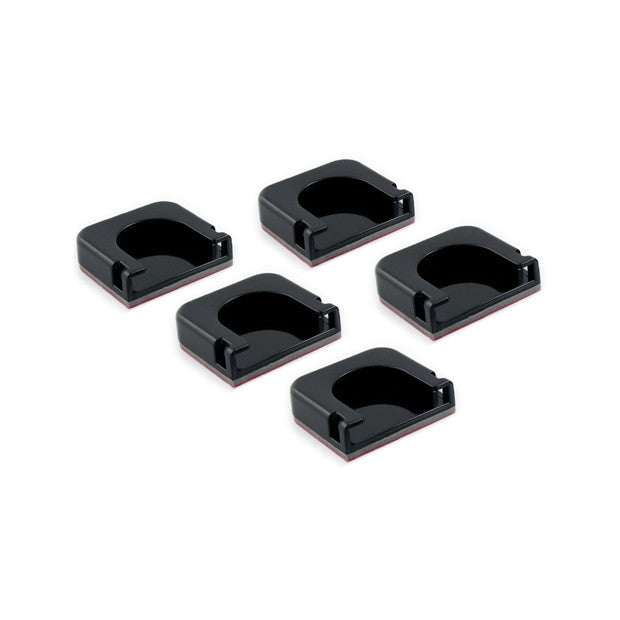
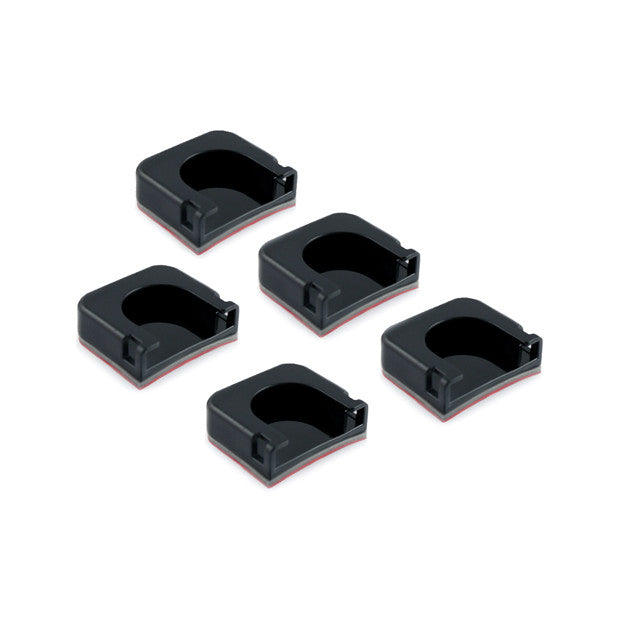
Think about the view from a handlebar, another approved bike mounting point or a helmet mount. Follow both the camera-mount and helmet manufacturer's guidance where a helmet is involved. Confirm the mounting surface, clamp dimensions and any required retention arrangement.
Allow room for steering movement, cables and controls. Check the recorded horizon and whether a screen, mirror or part of the bike obscures the view. Set up and adjust recording while stopped.
Compare battery and storage requirements at your settings
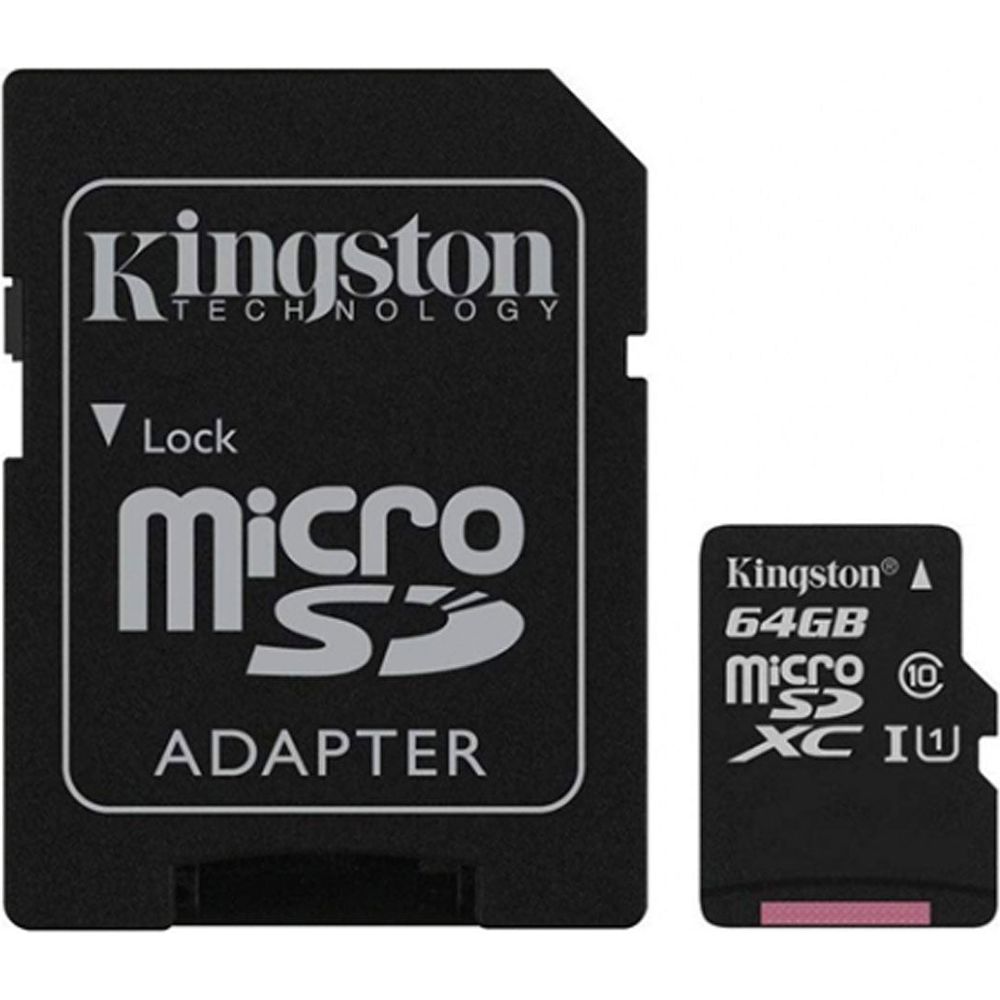
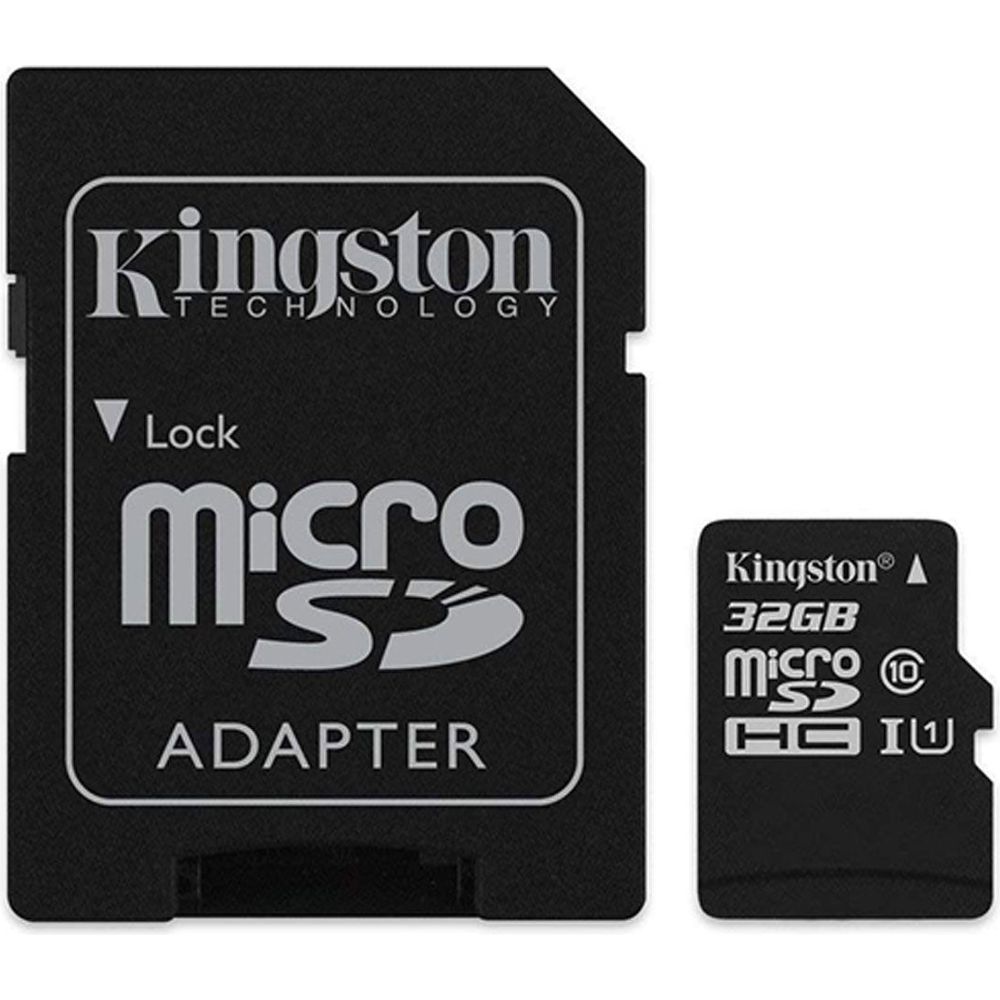
Look at recording duration for the resolution and frame rate you intend to use, rather than treating a headline battery figure as universal. Confirm the recommended memory-card specification and capacity, and test the chosen card before relying on it for a trip.
For longer recordings, check whether external power is supported and what happens to weather protection when a cable is attached. The camera body, open ports and accessory connections may have different requirements.
Leave room for the editing and sharing stage
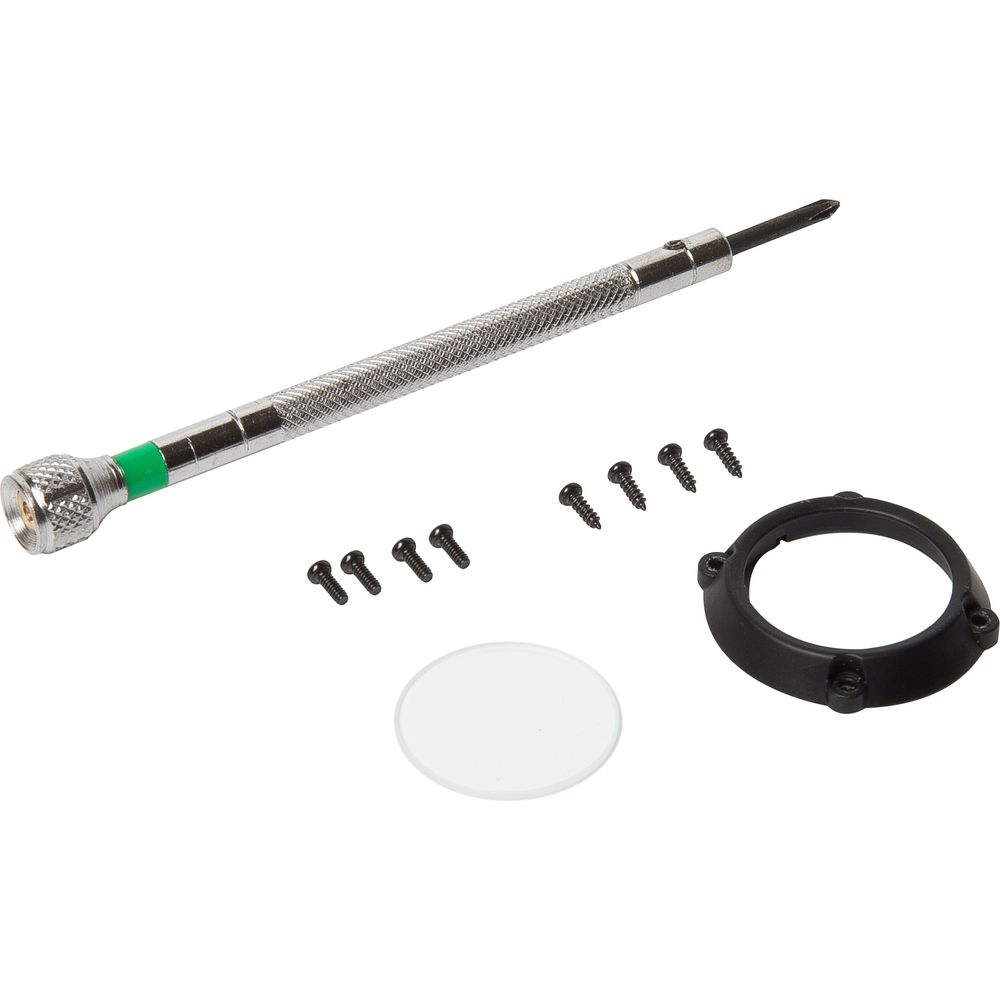
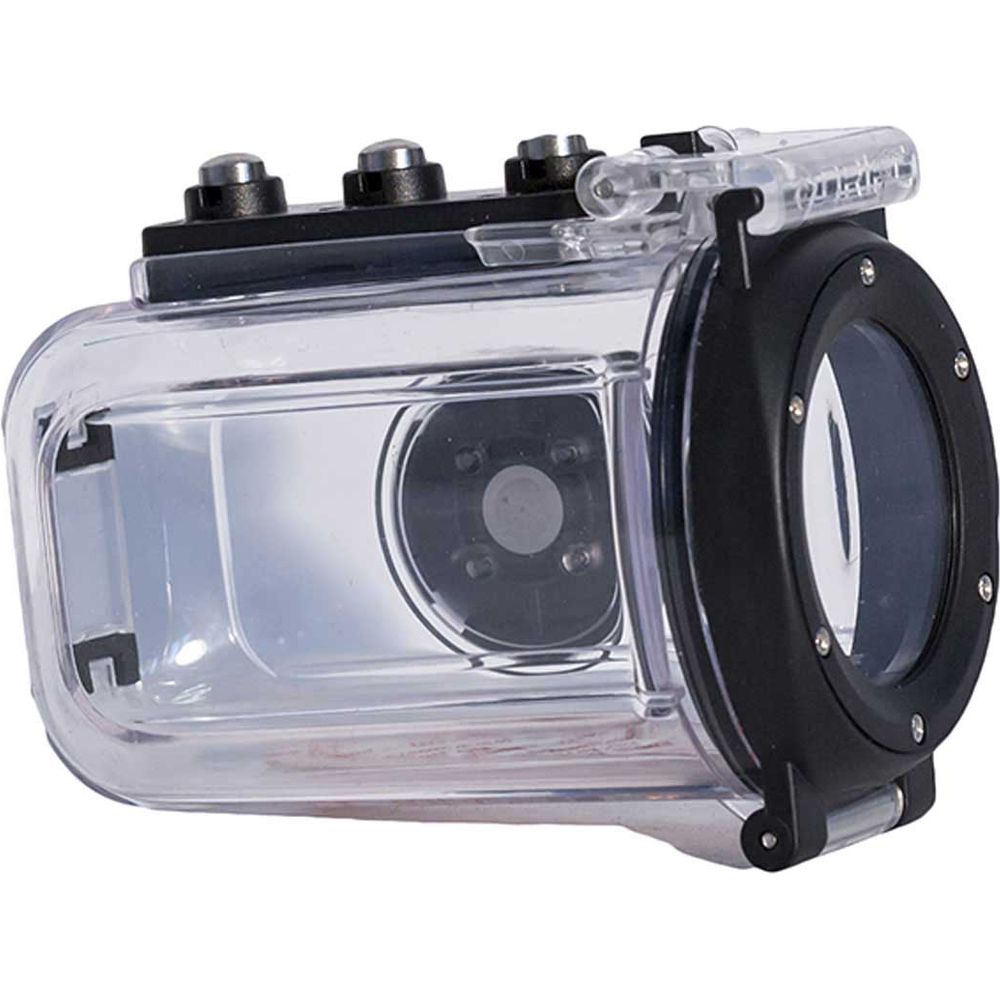
Check app or computer compatibility, file transfer options and the work involved in producing the final video. Protective cases, replacement lens parts and mounts should be matched to the exact camera generation. For other equipment on the bike, explore phone mounts and luggage for carrying the kit between rides.
Choose a complete recording setup
Tell the Moto Central team how you want to film and where you intend to mount the camera. At our Wolvey showroom, we can help compare suitable options and check the model-specific accessories needed for your setup.